3D Cinematic Titles is a ChatCut skill for building 3D typography in the style of a movie title sequence from a written brief. You describe the words and the shot around them: what the letters are made of, how they are lit and how the camera moves. ChatCut builds the result as a native Motion Graphic in your project, so you can revise one part of the shot without starting over. The skill is currently in beta.
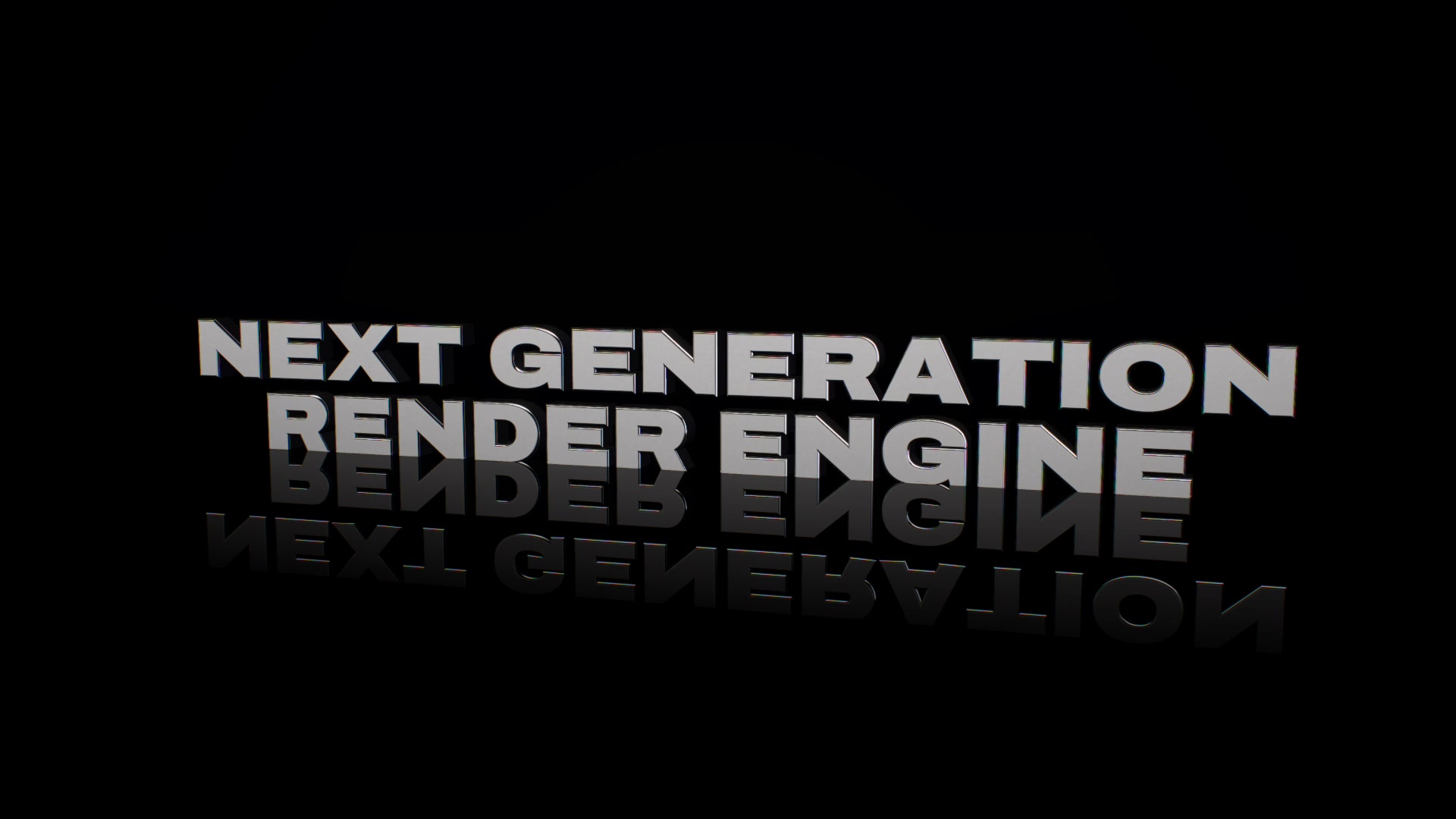
Every image and clip in this article is a frame of real output from one 60-second film made in ChatCut. None of them are editor screenshots or mockups. The same shots appear on the 3D Cinematic Titles skill page, below the skill itself.
Write the brief as a shot
A flat title needs words, a typeface and a position. A 3D title needs a shot. When you brief one, cover four things:
- Title. The exact words, their line breaks and their case. A title on one line and the same words stacked on two lines are different compositions.
- Material. What the letters are made of and how that surface treats light: polished chrome, clear glass, rusted steel, veined marble.
- Light. Where the light comes from, whether any light source is visible, and which parts of the letters should catch it.
- Camera. Where the shot starts, how the camera travels, when the title becomes readable and how long it holds.
Inside ChatCut you can start with a single line, such as “Use 3D Cinematic Titles to create a title for ‘NIGHT FERRY’.” Then add the rest one request at a time. If you would rather brief the whole shot at once, name the finish you want on top too, such as glow or grain, and anything to avoid. Here is a brief you can adapt:
Create a 6-second 3D cinematic title in 16:9 that reads NIGHT FERRY on two lines.
Material: brushed steel letters with rounded bevels, standing on a dark mirror floor.
Light: a dark studio with two long strip lights kept out of frame and a cool rim light from behind. At 3 seconds, a warm glint runs along the bevels.
Camera: start in macro on the first letter, travel low along the line, then crane up to a three-quarter view. Hold the full title for at least 2 seconds.
Finish: subtle glow and fine grain, no lens flare.
Keep the title as editable text.
Material decides what the light does
The letterforms and the camera path stay the same through the whole shot. What changes every two beats is the material, and each material arrives with the light it needs. Chrome has almost no color of its own: it mirrors the studio, so the studio becomes the look. Glass bends the light bars standing behind it. The rust uses UV-mapped PBR image textures from a CC0 Poly Haven set, wrapped onto the letter geometry: color, normal, and packed ambient-occlusion/roughness/metalness maps, lit in the real-time scene by a low warm key so the light catches every pit. Marble gets soft, high-key light to show its veins. Gold and chrome get broad reflections so their faces read as bright metal.
That pairing is the lesson. When you name a material, say how it should be lit as well. “Gold” on its own leaves the most important decision open.
Light makes the depth readable
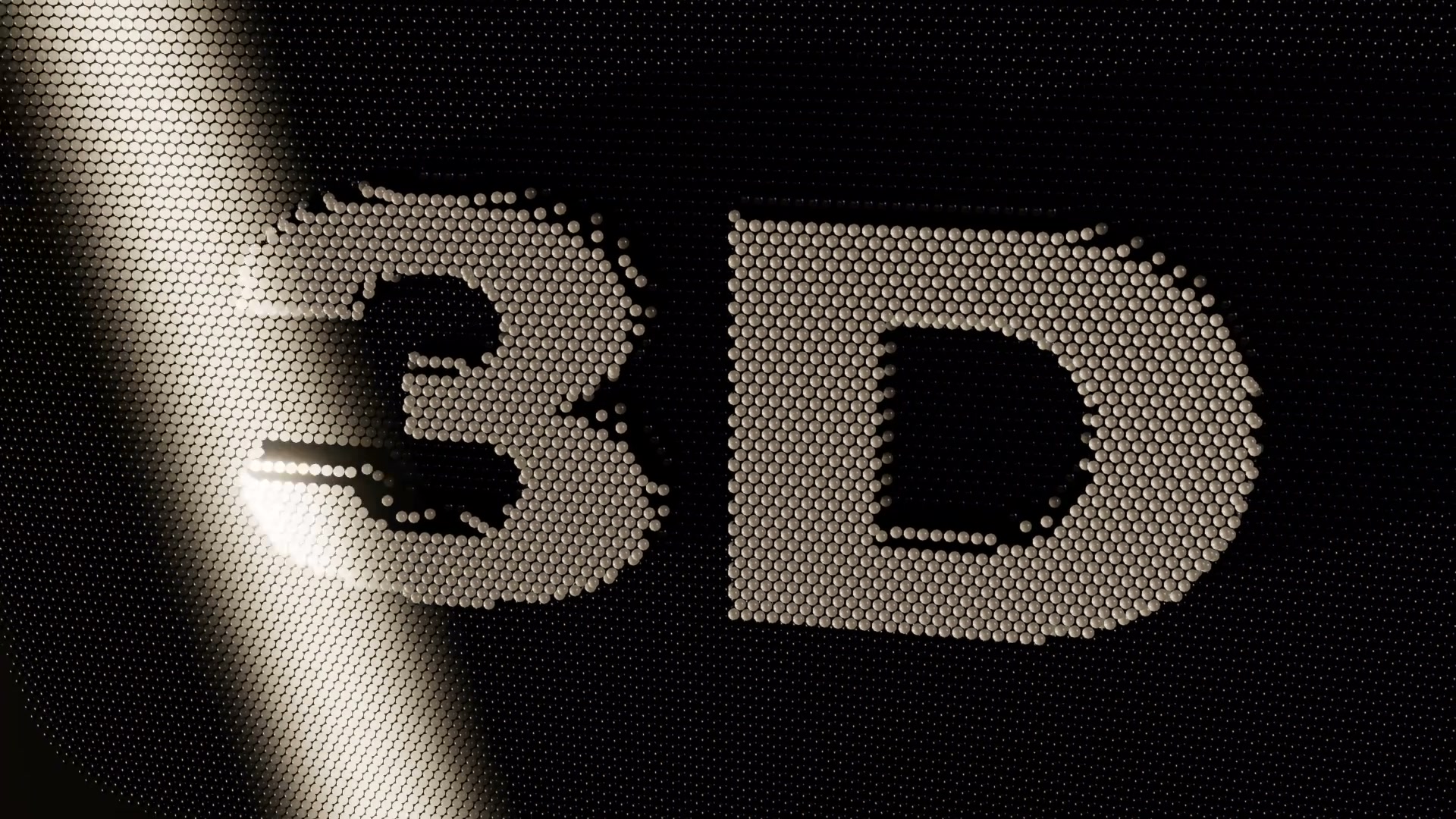
Depth only helps a title when the viewer can see it. Here the word 3D rises out of a field of 19,344 polished pins. Under flat front light, the raised letters would barely separate from the field around them. Instead, a warm band of light sweeps across and catches only the raised pin heads, so the relief reads in a single frame. Ask for the direction and color of the light, and say what it should catch: the bevels, the top faces or the raised edges.
Camera decides when the title lands
A camera move gives a title its timing. This shot opens in macro on brushed chrome, races low along the gap between the two lines, then cranes up and back as a warm glint runs along the bevels on the music hit. The whole title becomes readable only at the end of the move, and the shot then holds it for about two seconds.
In your brief, name the start, the path and the reveal, then say how long the finished title should stay on screen. If the title is cut to music, name the beat the reveal should land on.
What is 3D and what is finish
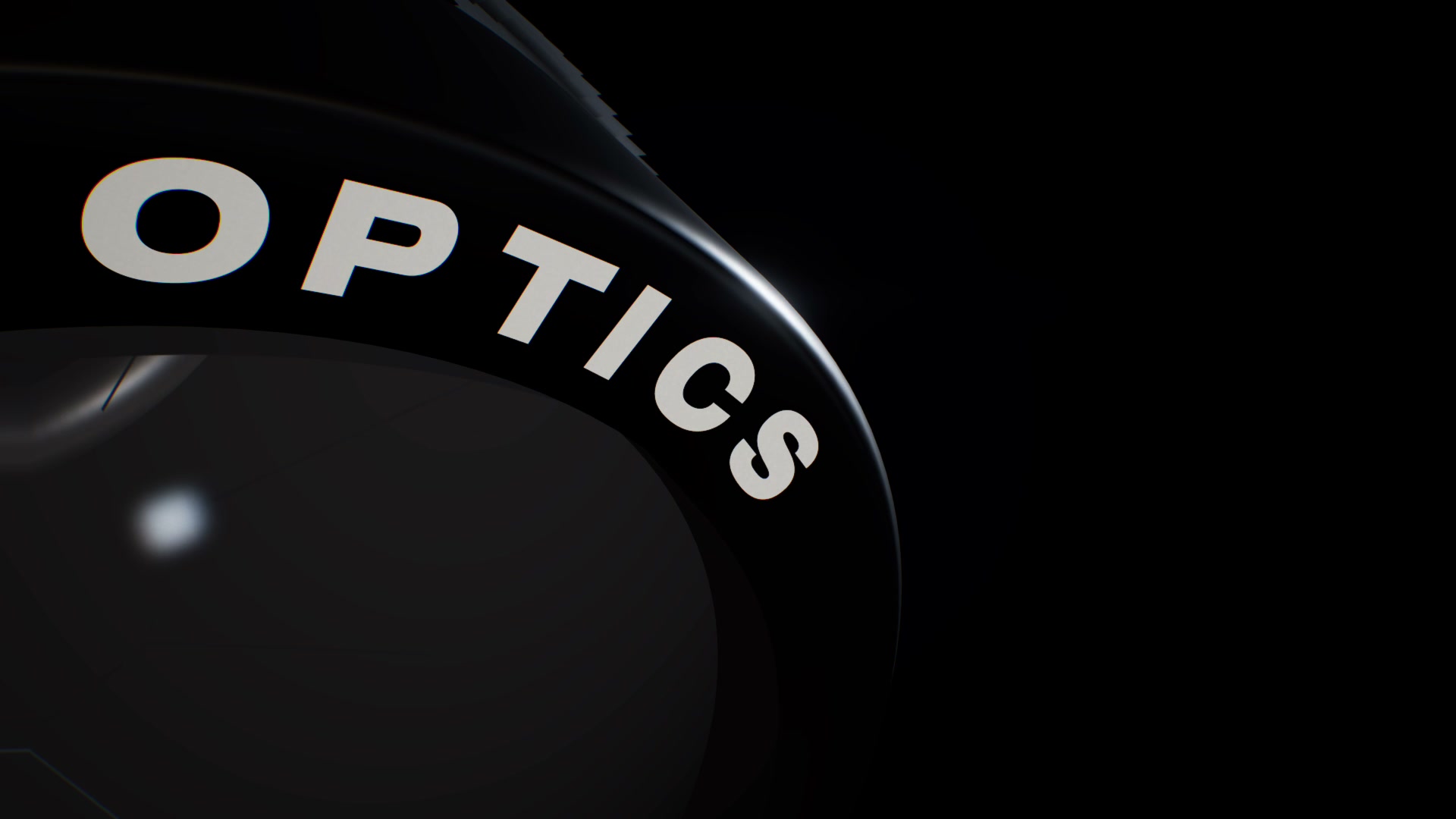
The final look comes from two layers. The 3D scene renders the geometry, materials, reflections, refraction, shadows and camera movement. Finishing passes then add glow, anamorphic streaks, a vignette and a slight color fringe, with per-shot controls for glow, streaks and lens effects. In this film, grain and a slight defocus come from a native color finish applied across the whole film. These passes give the look of a lens without simulating one. In the same way, motion that looks physical, such as the liquid chrome that pours into a word in another shot of the film, is directed animation rather than a fluid simulation.
Change one variable at a time
Once the first version plays, change one thing per request and keep the rest. You can see exactly what each change did, and you don’t lose what was already working:
- Material: “Keep everything else. Change the material from brushed steel to clear glass with a slight color dispersion.”
- Light: “Keep the material and the camera. Move the key light low on the left so it rakes across the letter faces.”
- Camera: “Keep the look. Start the crane-up one second later so the full title appears on the beat at 4 seconds.”
- Title: “Keep the shot. Change the title to LAST FERRY, still on two lines.”
If the title was set up as editable text, as the brief above asks, new words can go in while the material, light and camera stay as they are.
Search and reference vocabulary
When you collect references, these are words we see creators use for this kind of work. Several of the Chinese terms are category names on the creator platform 新片场. We observed this wording; it isn’t a ranking by search volume.
| English | 中文 | Use it to describe |
|---|---|---|
| 3D cinematic title | 3D 电影感标题 | The whole result: a title staged as a lit 3D shot |
| Movie title sequence | 电影片头、片头动画 | Opening titles over picture or black |
| 3D typography | 立体文字、金属字 | The letterforms: extrusion depth, bevel and surface |
| 3D text animation | 文字标题、三维字卡 | Title cards whose letters move, form or change in 3D |
| Logo reveal | LOGO演绎 | A mark or wordmark that builds into place |
| Motion graphics | MG动画、MG动效 | Designed animation in general, of which 3D titles are one kind |
| Material and texture maps | 材质贴图 | What the surface is made of |
| Camera fly-through | 镜头穿梭 | A camera that travels through or along the letters |
About the examples
The film runs 60 seconds at 1920 × 1080 and 30 frames per second. It is made of eleven shots, and each shot is its own ChatCut Motion Graphic: a real-time 3D scene built with Three.js, with its title stored as an editable text property next to controls for exposure, glow, anamorphic streaks and lens effects. Its animation and camera choreography are deterministic, so a revision replays the same timing and the same moves. The stills and clips here were extracted from the rendered film.
Try it in the beta
3D Cinematic Titles is in beta, so details may change. Start with one brief that covers the title, material, light and camera, then refine it one variable at a time.
Open the 3D Cinematic Titles skill
Beta access goes through an existing ChatCut beta connection. An AI agent that already has ChatCut beta connected can read the skill page for its own steps. Setup for a fresh install is pending public release.